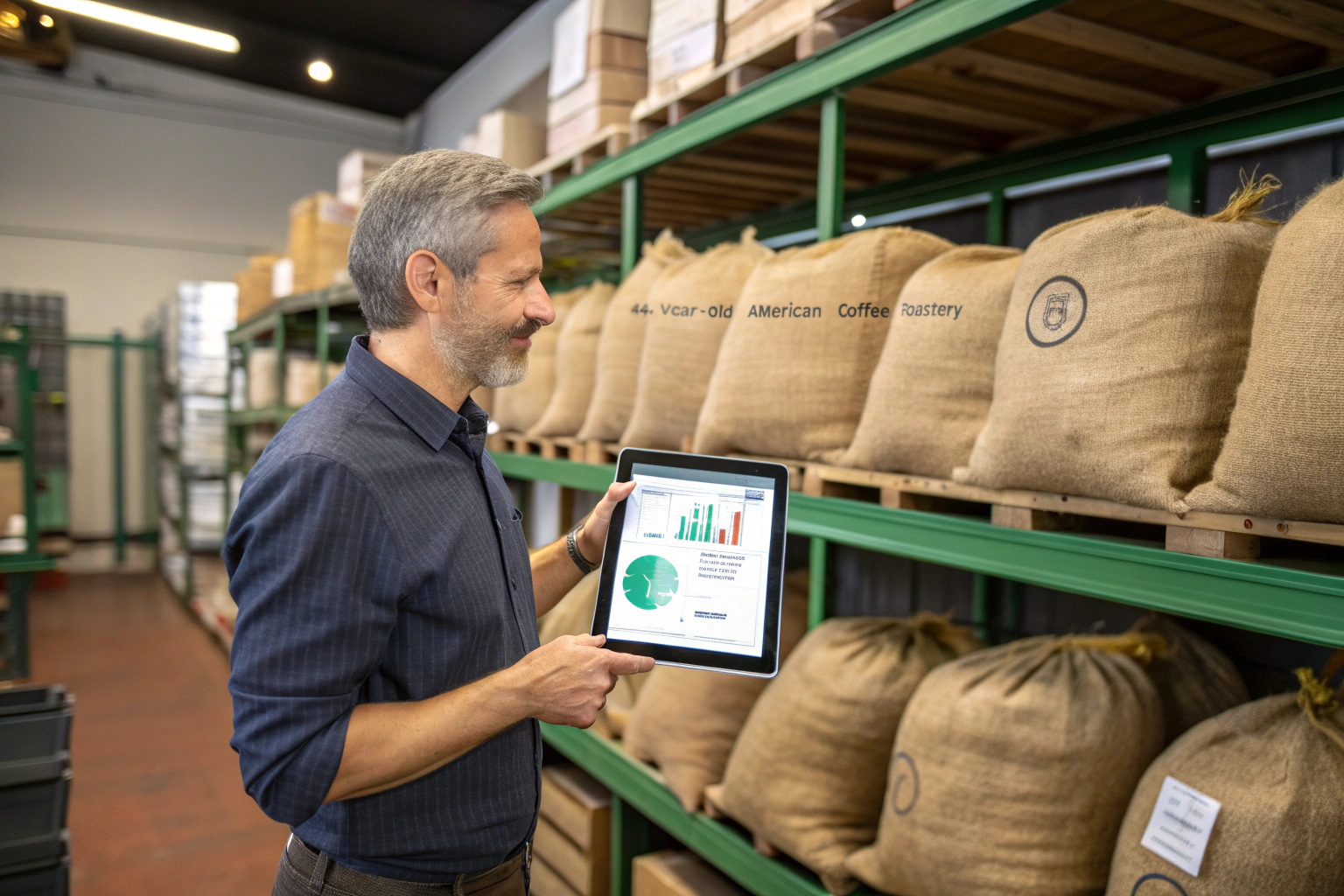
You're caught in a constant, stressful balancing act. One moment, you're in a panic because a popular single-origin bean has run out unexpectedly, forcing you to disappoint customers. The next, you're staring at piles of aging green coffee, tying up thousands of dollars in cash and slowly losing its vibrant flavor. This is a huge pain point. Managing your coffee inventory can feel like a chaotic guessing game, leading to lost sales, wasted capital, and compromised quality.
Honestly, the best "tool" for coffee inventory management isn't a single piece of software; it's a holistic system built on three pillars: 1) A foundational, data-rich spreadsheet or dedicated inventory software to track what you have, 2) A rigorous "First-In, First-Out" (FIFO) physical organization system to ensure you use your oldest stock first, and 3) A proactive forecasting method to predict future needs based on past sales data. The software is just the calculator; the system is what makes you money.
From my perspective as a grower and exporter, I see the entire lifecycle of the bean. We work for a year to produce a beautiful harvest. Seeing that coffee lose its potential sitting forgotten in a warehouse is heartbreaking. It's also bad business. Let's break down the practical tools and systems you can implement to move from chaotic guessing to calm, profitable control.
What's the Best Starting Point: Spreadsheets or Software?
The first step is to create a single source of truth for your inventory. You need a centralized place that tells you exactly what coffee you have, where it came from, when it arrived, and how much it cost. The two main choices are a powerful spreadsheet or a dedicated software platform.
Shouldn't I just get the most advanced software? Not necessarily. The best tool is the one you will actually use consistently. For many small to medium-sized roasters, a meticulously organized spreadsheet (like Google Sheets or Excel) is a powerful and cost-effective starting point. Dedicated software becomes essential when your operation grows in complexity, with multiple locations or a large number of different coffees.
Don't let the pursuit of the "perfect" software stop you from starting now with a "good enough" spreadsheet. The discipline of tracking the data is more important than the platform itself.
How do you build a "power spreadsheet"?
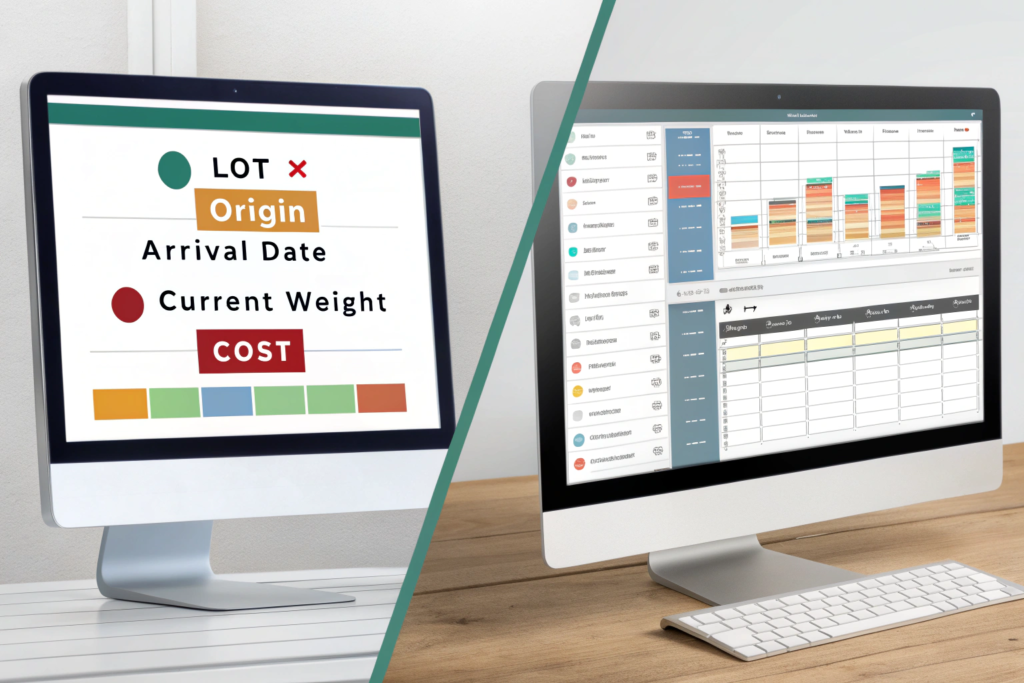
Your inventory spreadsheet is your command center. It must include these key columns for each lot of coffee:
- Lot ID: A unique identifier you assign to each new bag or pallet.
- Origin/Name: E.g., "Yunnan Washed Catimor" from Shanghai Fumao.
- Arrival Date: Crucial for FIFO.
- Original Weight (kg/lbs): The weight when it arrived.
- Current Weight (kg/lbs): This is the number you update after every roast.
- Cost per Unit: Your landed cost per kg or lb.
- Supplier: E.g., "Shanghai Fumao".
- Location: Which warehouse or shelf it's on.
Using a shared platform like Google Sheets allows your whole team to view and update it in real-time from any device.
When is it time to upgrade to dedicated software?
You should consider upgrading from a spreadsheet when:
- You find yourself spending hours each week manually updating weights.
- You need to manage inventory across multiple physical locations.
- You want automated features like low-stock alerts, sales forecasting, and integration with your accounting or e-commerce platform.
Popular options in the coffee industry include Cropster and RoastPath, which integrate inventory management directly with your roasting profiles and production planning.
How Do You Organize Your Physical Warehouse for Efficiency?
Your digital tool is useless if your physical warehouse is a mess. If your team can't find the right bag of coffee quickly, or if they accidentally use a fresh arrival before an older one, your whole system breaks down.
Isn't it fine as long as we know where everything is? No, you need a system that anyone can understand, not just one person. The "First-In, First-Out" (FIFO) principle is the golden rule of coffee warehousing. This means you must always use the oldest stock of a particular coffee before you use the newer stock. This requires a highly organized physical space where older coffee is the most accessible.
FIFO is critical for quality. Green coffee is an agricultural product with a limited shelf life. Using your oldest stock first ensures that you are always roasting and selling coffee at its peak flavor potential, minimizing waste from age-related quality degradation.
What is a practical FIFO setup?
Imagine your shelves are like a conveyor belt.
- Designated Zones: Assign a specific area or shelf section for each coffee you stock.
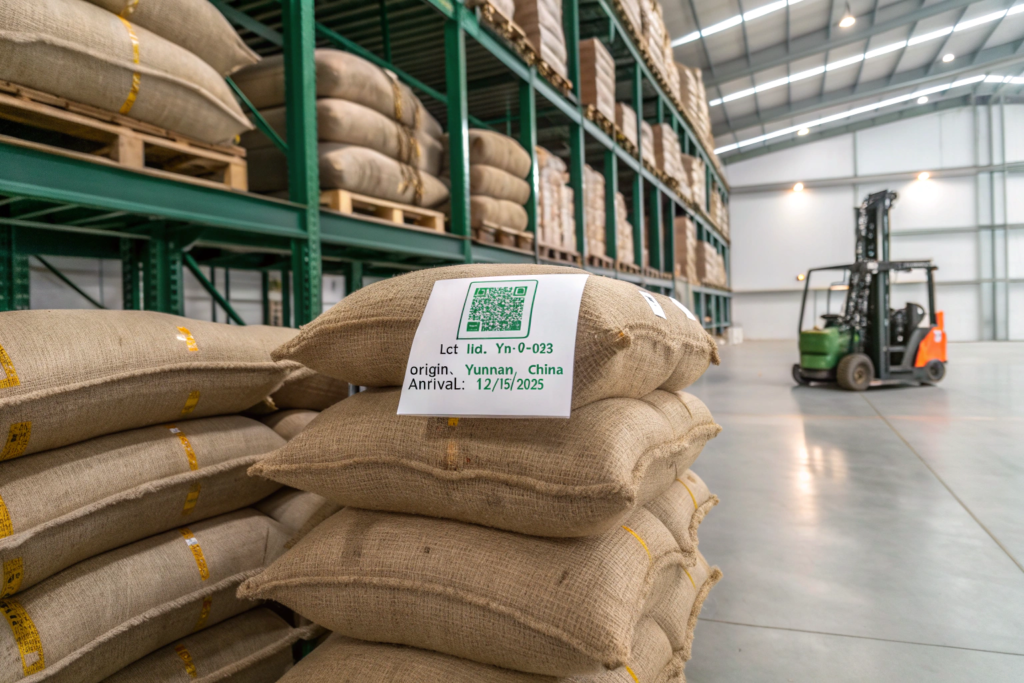
- Label Everything: Every single bag or pallet must be clearly labeled with, at minimum, the coffee's name and its arrival date. Using a large, easy-to-read tag is essential.
- "Load from the Back, Pick from the Front": In a perfect world, you would load new pallets in the back of a rack and pull the roasting pallets from the front. If your space doesn't allow for this, a strict discipline of moving the older pallet to the front when a new one arrives is necessary.
How can technology help with physical organization?
- QR Codes: This is a simple but powerful upgrade. You can generate a QR code for each lot that links directly to its entry in your inventory spreadsheet or software. Your team can scan the code with their phone to see all the details and update the weight instantly.
- Digital Warehouse Map: In your inventory software, you can create a digital map of your warehouse. When you assign a coffee to a specific shelf location in the software, your team knows exactly where to go to find it.
How Do You Accurately Forecast Your Coffee Needs?
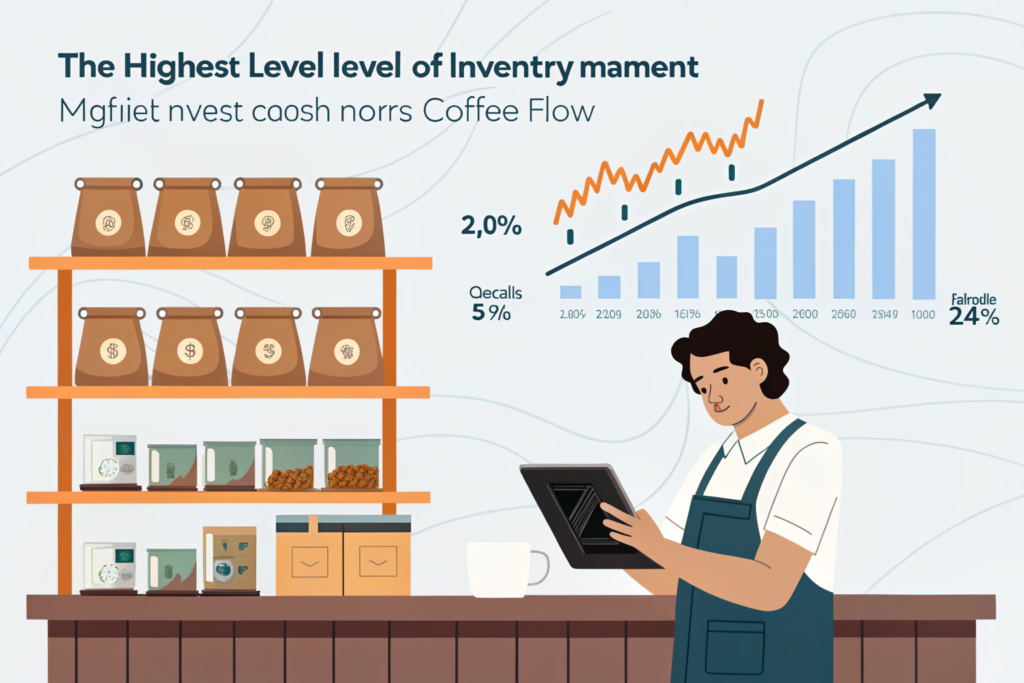
This is the highest level of inventory management. Instead of just tracking what you have, you start accurately predicting what you will need. This allows you to order coffee at the right time and in the right quantity, optimizing cash flow and ensuring you never run out.
Can you really predict the future? Not perfectly, but you can get surprisingly close by using your own historical data. Forecasting involves calculating your "sales velocity" (how fast you use a particular coffee) and your "supplier lead time" (how long it takes to get more). Combining these two numbers tells you exactly when to reorder.
This data-driven approach removes emotion and guesswork from your purchasing decisions. You're no longer buying based on a "feeling" that you're running low. You're buying based on what the numbers tell you.
How do you calculate your reorder point?
The formula is simple:
Reorder Point = (Average Daily Usage x Supplier Lead Time in Days) + Safety Stock
- Average Daily Usage: Look at your production logs. How many kilos of your house blend espresso did you roast per day, on average, over the last 3 months?
- Supplier Lead Time: This is the total time from when you place an order with a supplier like us to when it arrives at your door. For international shipments, this includes production time, inland transit, ocean freight, and customs clearance. It could be 45-90 days.
- Safety Stock: This is the buffer we talked about. It's the extra inventory you keep on hand to guard against unexpected sales spikes or shipping delays.
How does this work in practice?
Let's say you use 10kg of our Yunnan beans per day. Your lead time from us is 60 days. Your safety stock is 300kg (30 days' worth).
- (10kg/day x 60 days) + 300kg = 900kg.
Your reorder point is 900kg. The moment your inventory level for that bean drops to 900kg, your system should trigger an alert for you to place a new order. This simple calculation is the key to never running out of coffee again.
What Other Tools Complete the System?
Your inventory management system doesn't exist in a vacuum. It's supported by a few other key tools that ensure the data you're putting into the system is accurate and that the quality of your inventory is maintained.
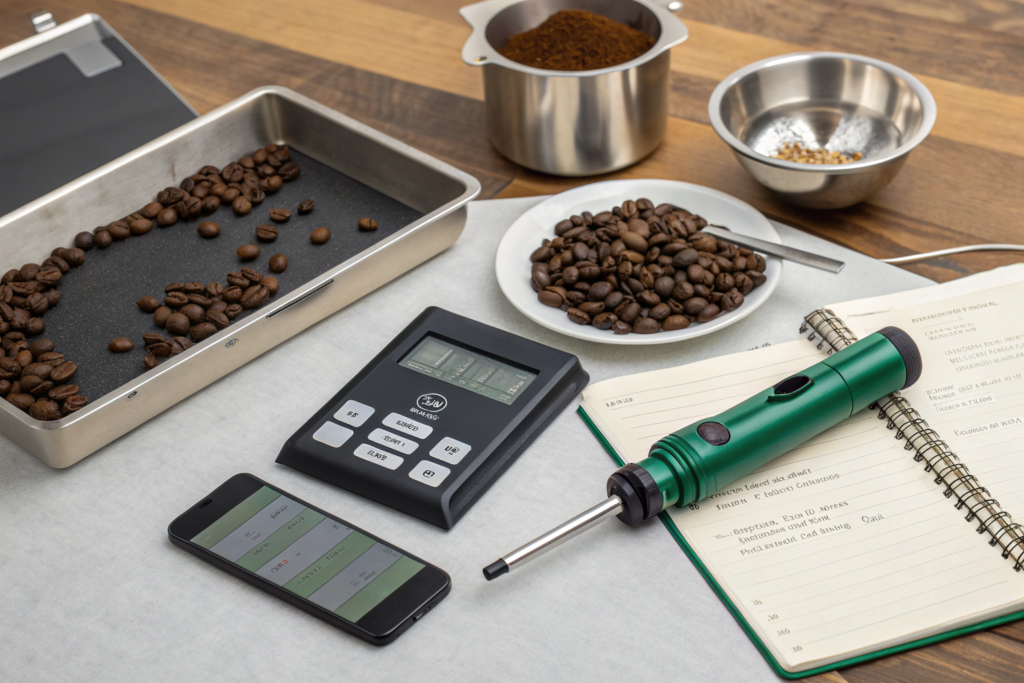
Are there other essential gadgets I need? Yes, a few key tools are non-negotiable for professional quality control. You need a highly accurate digital scale for weighing, a moisture meter to check the condition of your green coffee upon arrival, and a colorimeter to ensure your roasted batches are consistent.
These tools provide objective data that feeds back into your inventory and production system. They help you verify that what you received is what you ordered and that what you're producing is consistent day after day.
Why is a moisture meter so important?
Green coffee should ideally have a moisture content between 10-12%. If a new shipment arrives and the moisture meter reads 13% or higher, you have a serious problem. That coffee is at high risk of developing mold and will not roast predictably. This data allows you to flag the issue with your supplier immediately.
How does a colorimeter help with inventory?
A colorimeter (like a Lighttells) measures the exact color of your roasted coffee. By measuring each batch, you can ensure your "Medium Roast" today is the exact same color as it was last week. This consistency is key to customer loyalty. If you notice a color drift, it might indicate an issue with your roasting machine or a change in the green coffee, prompting you to investigate your inventory.
Conclusion
Effective coffee inventory management is the invisible engine of a successful roastery or cafe. It's a system that requires the right tools—whether a simple spreadsheet or sophisticated software—combined with disciplined processes like FIFO and data-driven forecasting. By implementing this holistic approach, you can move beyond constant stress and guesswork. You'll reduce waste, optimize your cash flow, improve your coffee's quality and consistency, and, most importantly, ensure you always have the right coffee on hand to delight your customers.
As your partner at the source, we are committed to providing you with the data and transparency you need to manage your inventory effectively. We provide clear lot separation, accurate weights, and pre-shipment quality reports. If you're looking for a supplier who understands that our job isn't done until your inventory is managed perfectly, we invite you to connect with us. Contact our coffee specialist at cathy@beanofcoffee.com to learn more.