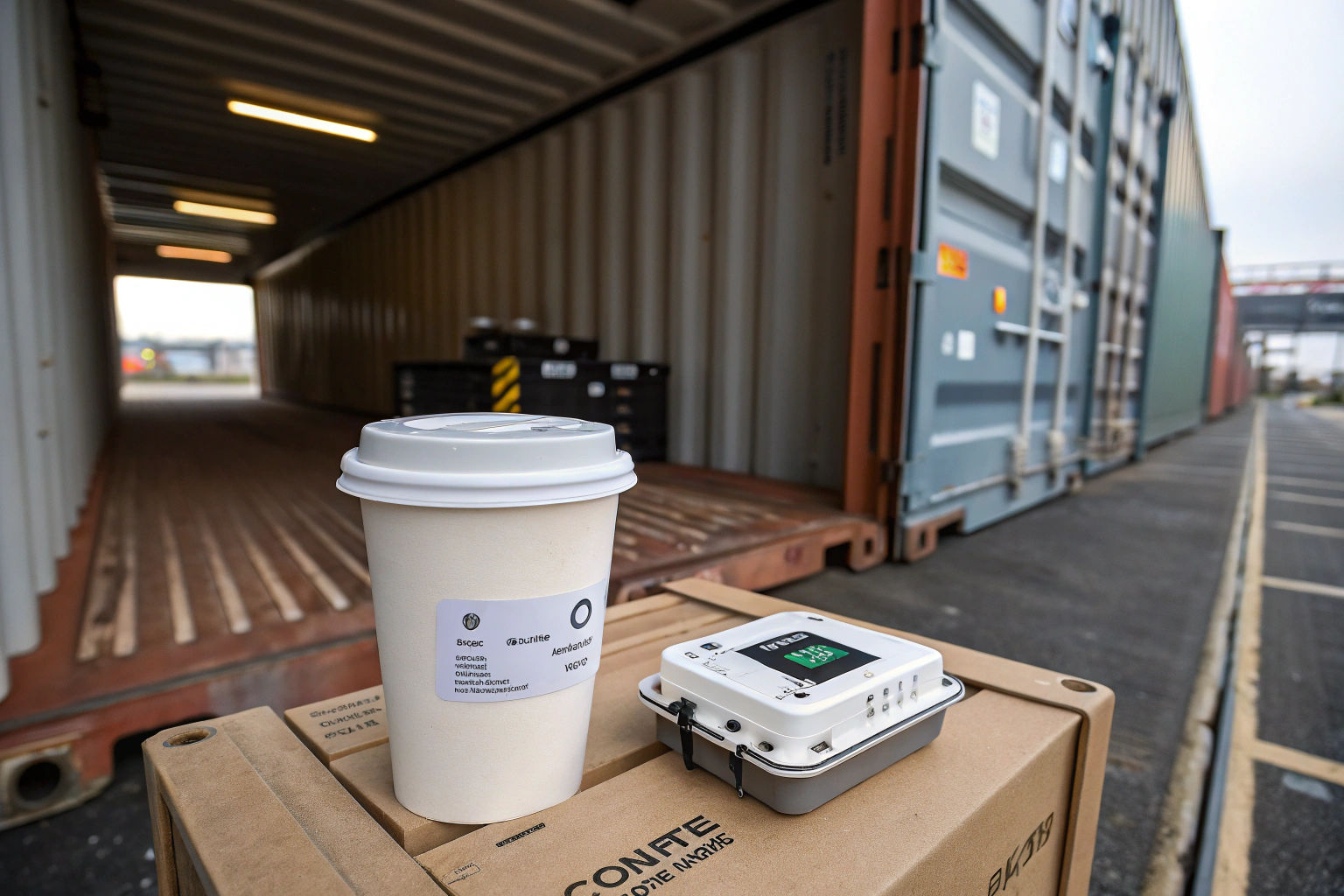
You've done everything right. You've sourced an exceptional lot of green coffee, maybe directly from our estate in Yunnan. You've negotiated a great price and hired a reliable freight forwarder. But for the next 30-40 days, your valuable inventory is in a "black box"—a steel container crossing the ocean. You're like my client, Ron; you're a data-driven business owner. You worry about what happens inside that container. What if it gets baked in the sun at a port? What if the temperature swings wildly? This lack of visibility is a huge source of anxiety and risk.
This is where a simple, inexpensive device becomes your most powerful ally: the temperature logger. Using a temperature logger during coffee shipping is the practice of placing a small, autonomous device inside your container to record temperature and humidity data throughout its entire journey. It's the single best way to get a transparent, unbiased record of the conditions your coffee was exposed to.
At Shanghai Fumao, we see quality control as a continuous chain. That chain doesn't break when the container doors are sealed. We encourage our partners to use loggers because we are confident in our packing methods and want to empower them with data. In this article, I'll provide a practical guide on how to choose, place, and interpret the data from these crucial devices.
Why is Monitoring Temperature and Humidity So Critical?
Before we discuss the "how," let's reinforce the "why." You might wonder if it's really worth the effort. You're worried about the quality of your green coffee, and understanding the risks is key. Extreme temperature and humidity fluctuations during transit can be catastrophic.
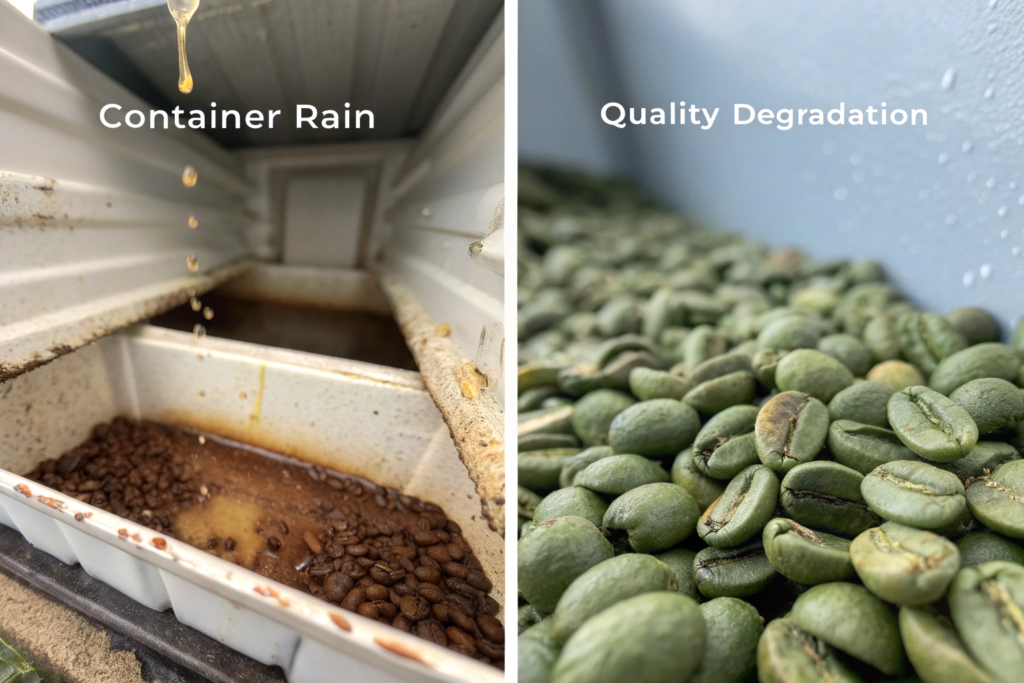
The most significant risk is a phenomenon known as "Container Rain" or "Coffee Sweat." This occurs when a container experiences rapid temperature changes. During the day, the container heats up, and the moisture within the coffee beans and the air evaporates. At night, the container walls cool down rapidly. This causes the warm, moist air inside to condense on the cold ceiling and walls, effectively "raining" down onto the coffee sacks. This wetting can lead to mold, fungal growth, and the development of dangerous mycotoxins. We've previously discussed the general importance of humidity in coffee bean storage, and this is its most extreme manifestation.
Even without container rain, prolonged exposure to high temperatures (e.g., above 30°C / 86°F) can accelerate the aging of green coffee, causing it to lose its vibrant acidity and complex aromas, resulting in a flat, woody taste. The data from a logger is your only way to prove if these damaging conditions occurred.
What is the Ideal Temperature Range?
While some fluctuation is unavoidable, the goal is to keep the coffee in a stable environment, ideally between 10°C and 25°C (50°F - 77°F). A temperature logger provides the data to see how close or far your shipment was from this ideal range.
Who is Responsible if Damage Occurs?
This is a complex issue that often involves insurance claims. The data from your temperature logger is invaluable evidence. It can help pinpoint when and where the damaging temperature spike occurred (e.g., while sitting at a sunny port for a week), which is critical information for determining liability with the shipping line or filing a successful claim with your cargo insurance provider.
How Do You Choose the Right Temperature Logger?
You're convinced you need a logger. Now, which one do you buy? The market has many options, and you're looking for something that is reliable, easy to use, and provides clear, actionable data.
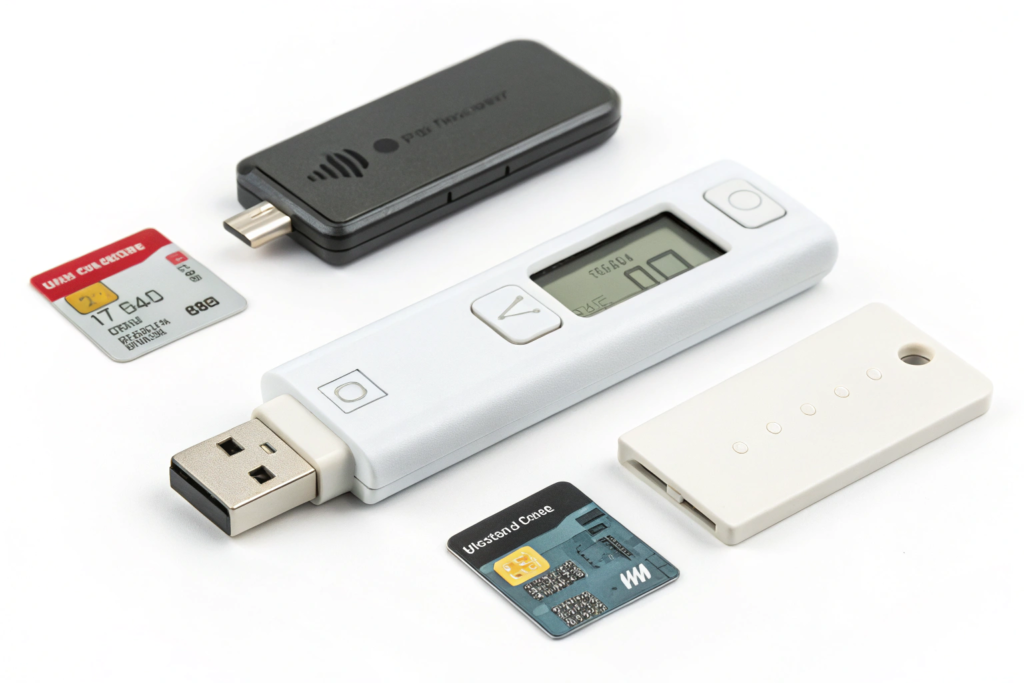
For coffee shipping, the most practical and widely used devices are single-use, USB-style temperature and humidity loggers. These are small, self-contained units that you program, place in the container, and then simply plug into a computer's USB port at the destination to automatically generate a PDF report.
When choosing a logger, look for these key features:
- Temperature and Humidity: Ensure it records both, not just temperature. Humidity is equally important.
- Ease of Use: A simple "start" button and automatic PDF generation via USB are ideal. You don't want a device that requires special software or cables.
- Sufficient Memory and Battery: The device must have enough memory and battery life to record data for the entire expected transit time (e.g., 60-90 days) at a reasonable interval.
- Clear Reporting: The final report should include a graph of the temperature and humidity over time, a data table, and summary statistics (min, max, average).
Brands like Log-ic, Temp-Sen, or Escort are popular in the logistics industry, but many excellent options are available online for a very reasonable price, often $20-$40 per unit.
What is a "Reasonable" Recording Interval?
For a typical 30-60 day sea voyage, setting the logger to record a data point every 1-2 hours is more than sufficient. This provides a detailed picture of the journey without using up the device's memory too quickly.
Should I Get a Reusable or Single-Use Logger?
For international shipments, single-use loggers are almost always more practical. The cost and complexity of trying to ship a reusable logger back from the destination usually outweighs the higher per-unit cost of a disposable one.
What is the Correct Procedure for Placing the Logger?
You have your logger. Now, where do you put it? This is a critical step. Placing the logger in the wrong spot can give you misleading data. You're worried about it getting lost, damaged, or recording the temperature of the container wall instead of the coffee itself.
The goal is to measure the conditions that the majority of your coffee is experiencing. Therefore, the logger should not be placed near the container doors or against the walls, as these areas will show the most extreme and rapid fluctuations.
The best practice is as follows:
- Program and Start the Logger: Before the container arrives, program your logger with the correct time zone, recording interval, and any alarm thresholds. Press the "start" button just before you're ready to place it.
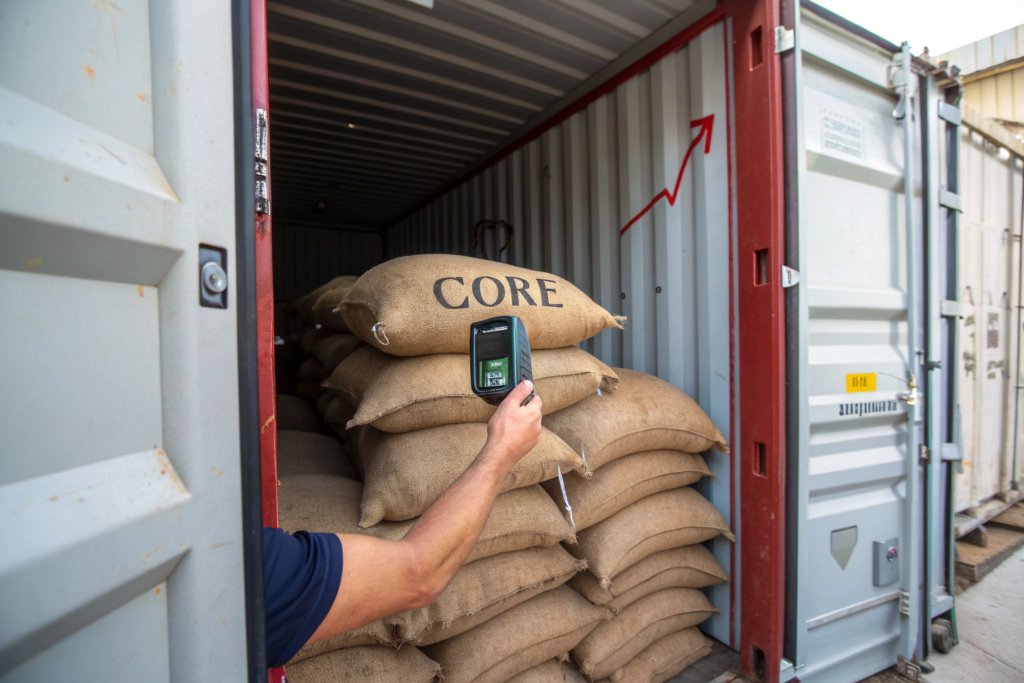
- Place it in the Core: The ideal placement is deep inside the container, in the "core" of the cargo. A good spot is about halfway through the loading process, placing the logger on top of a coffee sack in the middle of the container, away from the walls.
- Protect and Mark It: Place the logger in a clear plastic pouch with the shipping documents or a bright, noticeable "Read Me" sign. This protects it from moisture and alerts the unloading crew to look for it.
- Record its Position: Make a note of where you placed the logger (e.g., "10th row of sacks, middle"). This helps the crew at the destination find it easily.
As the supplier, we can handle this placement for you. When you import Yunnan coffee directly from our farm, you can simply ship the logger to us, and we will program it and place it correctly during loading, providing you with photos as confirmation.
Should You Use More Than One Logger?
For a standard 20-foot container, one logger placed in the core is usually sufficient. For a larger 40-foot container or for very high-value shipments, using two loggers—one in the core and one closer to the doors—can provide a more comprehensive picture of the temperature variations within the container.
What Are Alarm Thresholds?
Many loggers allow you to set alarm thresholds (e.g., a high temperature of 30°C). If the temperature exceeds this limit, a visual alarm (like a flashing LED) will be triggered on the device. This gives the receiver an immediate visual cue that a potential problem occurred, even before they download the data.
How Do You Interpret the Data and Take Action?
The container has arrived, you've found the logger, and you've plugged it into your computer. A PDF report appears on your screen. Now what? This raw data is useless unless you know how to interpret it and what actions to take.
First, look at the summary statistics. What were the minimum, maximum, and average temperatures? Did the maximum temperature exceed the critical threshold of 30°C (86°F)? For how long? Look at the graph. Were there sharp, repeated spikes and dips, suggesting the container was exposed to rapid day/night temperature swings? Or was the line relatively stable?
Based on the data, you can take several actions:
- If the data is stable and within range: Excellent. You have peace of mind and a valuable baseline for future shipments.
- If minor temperature spikes occurred: You might decide to let this coffee "rest" for a few extra weeks after arrival to stabilize before roasting. You should also cup it carefully, looking for any signs of premature aging.
- If severe temperature spikes or "container rain" conditions are evident: You must act immediately. Document everything. Cup the coffee immediately to assess for damage. Notify your freight forwarder and your insurance company, providing the logger's PDF report as primary evidence. This data is your leverage for a potential claim.
The data also empowers you to have more intelligent conversations with your logistics partners. You can go back to your freight forwarder and say, "This route resulted in the container sitting in a hot port for 10 days. Can we use a different carrier or route next time?"
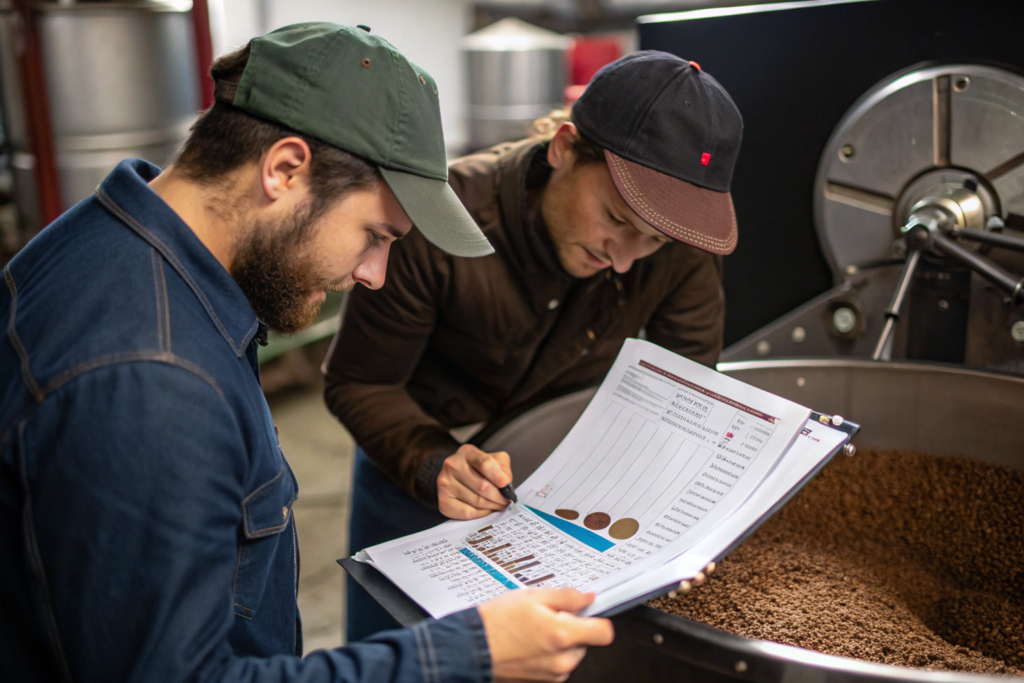
What Does a "Good" Graph Look Like?
A "good" graph will show a relatively stable line, with slow, gentle curves as the ship moves through different climates. A "bad" graph will show sharp, jagged peaks and valleys, indicating rapid temperature changes, or long, flat plateaus at very high temperatures.
Should You Share the Data with Your Supplier?
Yes! We encourage our partners to share their logger data with us. It helps us understand the realities of different shipping lanes and allows us to work together to improve packaging and logistics strategies for future shipments. It's part of a transparent, collaborative partnership.
Conclusion
Using a temperature logger is a small, inexpensive step that transforms the black box of international shipping into a transparent, data-rich process. It provides you with peace of mind when conditions are good, and it provides you with the critical evidence you need to take action when conditions are bad. It is an essential tool for any serious coffee importer who is committed to protecting their investment and ensuring the quality of their product.
By embracing this simple technology, you are no longer a passive participant in the shipping process; you are an active, informed manager of your supply chain. You are replacing anxiety with data, and uncertainty with control.
If you are looking for a supplier who believes in this level of transparency and is ready to partner with you to ensure the quality of your coffee from our farm to your door, we are here to help. We welcome the use of data loggers as a sign of a professional and quality-focused partnership. Please reach out to my colleague, Cathy Cai, at cathy@beanofcoffee.com to discuss your next shipment.